
Resize Image to 1080 x 1920
Resize an image to 1080 x 1920 with this free online tool, with no signup needed to start. The result is a tall 9:16 portrait, and the tool never makes a picture larger than it already is. Choose how the picture fits the box before you start.
- Fill the box crops the sides of wide pictures from the centre.
- The tool never enlarges a picture. A smaller picture is not stretched to fill 1080 x 1920.
- Results vary with the picture. Measurements on this page were made on pictures we generated, not on real photographs.
Drop an image here
PNG, JPG, WebP, AVIF, GIF, BMP or TIFF, up to 5 MB
The picture keeps its proportions and is cropped from the centre to the shape of the box. Nothing is stretched. A picture smaller than the box is not enlarged: the box shrinks to the biggest crop of that shape that fits. The credit cost is the same as a plain conversion.
Lower means a smaller file and more visible loss (1 to 100).
JPEG cannot store transparency. Transparent areas are filled with the background colour below.
Complete the human check to enable the button.
Result
Your JPEG will appear here.
The free web tool takes images up to 5 MB, 30 per day. Signed in, the limit is 10 MB. The image keeps its pixel size unless you choose Make smaller.
Retention: web-tool results are deleted after 10 minutes and no history is kept. API results are kept 1 day on the free plan and 7 days on Starter and Pro (30 days on Business and Scale).
No account needed
30 images per day for free, no watermark.
Original size by default
The image is re-encoded at its full pixel size unless you choose Make smaller. Camera and location tags are not copied into the result.
Deleted automatically
Web tool results are removed after 10 minutes.
Privacy: what you submit is used only to make this file. The working copy is deleted when the job ends, the result after 10 minutes. See the privacy policy.
Do this from your code
The same conversion as an API request: send the image bytes, then poll the job. It needs an API key; a free account can create one.
curl -X POST "https://api.aiipworld.com/v1/image-jobs?op=image_resize&width=800" \
  -H "Authorization: Bearer $AIIPWORLD_API_KEY" \
  -H "Content-Type: image/png" \
  --data-binary @input.png

# returns {"job_id": "...", "status": "queued", "credits_reserved": 1}; then poll:
curl https://api.aiipworld.com/v1/jobs/JOB_ID -H "Authorization: Bearer $AIIPWORLD_API_KEY"
Batches
The web tool handles 1 image at a time. The API takes one request per image, so you can script as many as your plan allows.
Retention
Web-tool results are kept 10 minutes; free API results 1 day; Starter and Pro results 7 days; Business and Scale 30 days. The web tool allows 10 conversions per minute and 50 per day per visitor.
In one sentence
A free online tool that resizes a picture to 1080 x 1920 px (9:16, portrait) by cropping from the centre, fitting inside the box or adding empty space; it never makes a picture larger.
Key facts
- Input: a PNG, JPG, WebP, AVIF, GIF, BMP or TIFF up to 5 MB in the free tool and 10 MB when signed in, and up to 16 MP (4096 x 4096); one picture at a time.
- Settings: the box (1080 x 1920 px at the start), how the picture fits (fill and crop, fit inside, or exact size with empty space) and save as JPEG, PNG, WebP or GIF; a picture smaller than the box is not enlarged (a 1080 x 1080 px square gives 608 x 1080 px with fill).
- In our test a generated 3000 x 2250 px landscape JPG of 105 KB became a 1080 x 1920 px JPEG of 30 KB with Fill the box; the test picture was generated by our scripts and results vary.
- Free without an account: up to 10 conversions per minute and 50 per day per visitor, no watermark. Signed in, each render costs 1 credit (100 free credits every month).
- Files are deleted automatically: 10 minutes after conversion without an account, 1 day with a free account.
- Developers can run the same job with POST https://api.aiipworld.com/v1/image-jobs?op=image_resize (the image as the request body, settings in the query string) and an API key (see the API docs page).
How it works
- Choose the picture you want to resize. The tool takes one picture at a time.
- Check that the box reads 1080 for width and 1920 for height.
- Pick how the picture fits the box: Fill the box, Fit inside, or Exact box size.
- Pick the format in the Save as list. JPEG is the default.
- Click Resize image, then check the size shown in the result panel before you download.
Example output
Original JPG, 3000 x 2250 px, 105 KB

Resized JPEG, 1080 x 1920 px, 30 KB
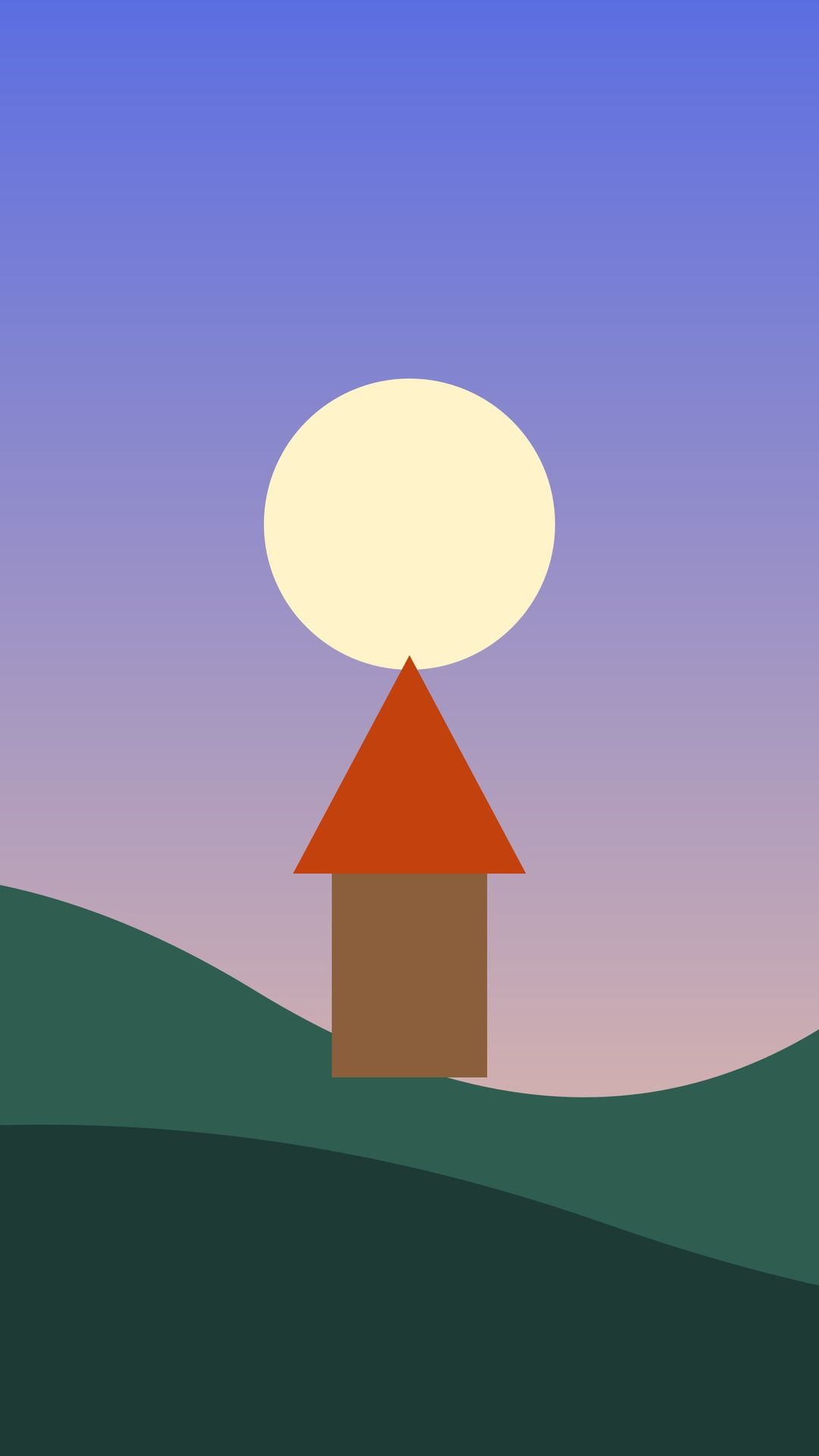
How to resize an image to 1080 x 1920
Load one picture into the tool above. The box already reads 1080 for width and 1920 for height, and the fit list is set to Fill the box. Click Resize image when you are ready. The result panel shows the new pixel size and file size.
If you need a different size, change the numbers in the box. Choose the fit option that suits your picture and the format you need. Each picture is a separate job, so repeat the steps for the next file.
What 1080 x 1920 means
1080 x 1920 px, also written 1080x1920, is a 9:16 portrait shape. It is the shape of a phone screen held upright. The picture is narrow and tall.
A picture with the same proportions fills the box without losing much. A wide landscape or a square has different proportions, so it must be cropped, shrunk or given bars to fit. Check your picture's shape before you choose a fit option.
Wide pictures are cropped
With Fill the box, the picture is scaled to cover 1080 x 1920 px. The extra is cut from the centre. Nothing is stretched, but most of the left and right of a wide picture can be lost.
In our test, a generated 3000 x 2250 px landscape drawing became a tall strip from the middle, 1080 x 1920 px and 30 KB. The crop always comes from the centre. If your subject sits near an edge, use another fit option.
Keep the whole picture with bars
Choose Exact box size (add empty space) to keep the whole picture. The tool fits the picture inside 1080 x 1920 px without cropping. It places the result on a canvas of exactly that size.
The empty space uses the Background colour, which is white by default. The bars are one flat colour, and the tool does not add a blurred background. In our test, the same landscape drawing became 1080 x 810 px inside the canvas, with white bars above and below.
If you do not want bars, choose Fit inside. That option keeps the picture's proportions and does not add a canvas. In our test it gave 1080 x 810 px and 19 KB.
Pictures smaller than 1080 x 1920
The tool never enlarges a picture. With Fill the box, a smaller picture keeps its own size. In our test, a 720 x 1280 px picture stayed 720 x 1280 px.
To get exactly 1080 x 1920 px from a small picture, use Exact box size. The picture then sits in the middle of the canvas at its own size. The picture will not fill the canvas, and the rest is the background colour.
Square pictures
A square picture is wider than the 9:16 shape. With Fill the box, the box is made smaller to the largest 9:16 crop that fits. In our test, a 1080 x 1080 px square gave 608 x 1080 px, 15 KB. The tool does not enlarge it to the full box.
For a full 1080 x 1920 px canvas, use Exact box size. The square sits in the middle with bars at the sides. Results vary with the picture.
JPEG, PNG or WebP
JPEG is the default and suits most photos and illustrations. PNG and WebP can keep transparency. Keep transparency is on by default for those formats. JPEG has no transparency, so transparent areas are filled with the background colour.
File size differs by format. In our test, the same generated picture was 170 KB as PNG and 13 KB as WebP. Results vary with the picture, so check the size in the result panel.
Limits: file size and pixels
Without an account, the free web tool takes up to 5 MB per image. You can convert 30 images per day per visitor. Signed-in users can upload up to 10 MB per image. Each picture can be up to 16 MP (4096 x 4096).
Signed-in use costs 1 credit per image. You pay 1 more credit for each 5 MB of result after the first 5 MB. Failed and timed-out jobs are refunded. If the result would be larger than 20 MB, the job fails with an "output too large" message. Sizes are shown in KB and MB, where 1 MB is 1024 x 1024 bytes.
Resize an image to 1080 x 1920 from code
Send a POST request to https://api.aiipworld.com/v1/image-jobs?op=image_resize. The body is the raw image bytes, not JSON or multipart. Set Content-Type to the image type, such as image/jpeg. Send your key in the Authorization header as Bearer followed by your API key, or in the x-api-key header.
For 1080 x 1920, set width=1080 and height=1920. Use fit=cover to crop and fill the box, or fit=contain to add empty space. Both need width and height. The API returns 202 with a job_id. Poll GET /v1/jobs/:id until the job succeeds, fails or times out, then download the result from the short-lived download_url.
The page shows a ready cURL, Node and Python example built from the settings you choose. Errors include 400 invalid_params, 400 or 422 unsupported_image, 413 file_too_large, 402 insufficient_credits and 429 for rate limits. The API takes one request per image, and there is no batch endpoint. See /docs/#image-resize.
Privacy: what happens to your picture
Your picture is sent to our server, where the resizing is done. The uploaded picture is used only to make the result. It is deleted as soon as the job ends, whether it succeeds or fails.
In the free web tool, the result is deleted after 10 minutes, and no history is kept. Download links are short-lived. Camera and location tags (EXIF and GPS) are not copied into the result. You must have the right to use the picture you upload, as set out in our Acceptable Use Policy.
Questions
Can I resize an image to 1080 x 1920 for free?
Yes. The free web tool lets you resize up to 30 images per day per visitor, each up to 5 MB, without an account. Anonymous use needs a quick human check (Cloudflare Turnstile). Signed-in users skip that check and use credits.
What shape is 1080 x 1920?
It is a 9:16 portrait shape, the shape of a phone screen held upright. The picture is tall and narrow.
Will my landscape picture be cropped?
With the default Fill the box setting, yes. The picture is scaled to cover the box, and the extra is cut from the centre.
How do I keep the whole picture?
Choose Exact box size (add empty space). The picture fits inside 1080 x 1920 without cropping, with bars in the Background colour, which is white by default.
Why is my result smaller than 1080 x 1920?
The tool never enlarges a picture, so a picture that is already smaller keeps its size. With Fill the box, the box can also shrink to the largest crop that fits, as it does with square pictures.
Can I make a small picture 1080 x 1920?
Yes, with Exact box size. The picture sits in the middle of a 1080 x 1920 canvas at its own size, and the rest is filled with the background colour. It is not stretched or enlarged.
Which format should I use?
JPEG is the default and suits most photos. Use PNG or WebP when you need transparency. In our test, the WebP file was 13 KB and the PNG file was 170 KB for the same generated picture, and results vary with the picture.
Can I choose which part is kept?
No. Fill the box always crops from the centre. To keep a different part, crop the picture yourself first, then resize it.
Can I resize several images at once?
No. The web tool handles one image at a time. The API takes one request per image, and there is no batch endpoint.
Can I resize an image to 1080 x 1920 in my own code?
Yes, through the API. Send the raw image bytes to the image-jobs endpoint with op=image_resize, width=1080 and height=1920. The page shows ready cURL, Node and Python examples.
Need this in your app or in bulk?
This tool runs on the same platform as the API, so the same image is one HTTP request from your code. A free account includes 100 credits a month.