
Discord Banner Size and Image Resizer
The Discord banner size depends on where the banner appears, so pick the size you need from the list and resize your picture in one step. The list has sizes for server banners, profile banners, emoji, stickers and server icons, and you can type your own size too. Check the width, height and file size in the result panel before you upload.
- The tool never enlarges a picture. A smaller source stays at its own size, so start with a larger picture.
- Discord's rules can change. Check the help page titled "Server Banners" or the other page for your item before you upload.
- Results vary with the picture. Our measurements used pictures we drew ourselves, not real photographs.
Drop an image here
PNG, JPG, WebP, AVIF, GIF, BMP or TIFF, up to 5 MB
Discord asks for at least 960 x 540 px in 16:9. A GIF keeps its animation. A picture smaller than the box is not enlarged.
The picture keeps its proportions and is cropped from the centre to the shape of the box. Nothing is stretched. A picture smaller than the box is not enlarged: the box shrinks to the biggest crop of that shape that fits. The credit cost is the same as a plain conversion.
Lower means a smaller file and more visible loss (1 to 100).
JPEG cannot store transparency. Transparent areas are filled with the background colour below.
Complete the human check to enable the button.
Result
Your JPEG will appear here.
The free web tool takes images up to 5 MB, 30 per day. Signed in, the limit is 10 MB. The image keeps its pixel size unless you choose Make smaller.
Retention: web-tool results are deleted after 10 minutes and no history is kept. API results are kept 1 day on the free plan and 7 days on Starter and Pro (30 days on Business and Scale).
No account needed
30 images per day for free, no watermark.
Original size by default
The image is re-encoded at its full pixel size unless you choose Make smaller. Camera and location tags are not copied into the result.
Deleted automatically
Web tool results are removed after 10 minutes.
Privacy: what you submit is used only to make this file. The working copy is deleted when the job ends, the result after 10 minutes. See the privacy policy.
Do this from your code
The same conversion as an API request: send the image bytes, then poll the job. It needs an API key; a free account can create one.
curl -X POST "https://api.aiipworld.com/v1/image-jobs?op=image_resize&width=800" \
  -H "Authorization: Bearer $AIIPWORLD_API_KEY" \
  -H "Content-Type: image/png" \
  --data-binary @input.png

# returns {"job_id": "...", "status": "queued", "credits_reserved": 1}; then poll:
curl https://api.aiipworld.com/v1/jobs/JOB_ID -H "Authorization: Bearer $AIIPWORLD_API_KEY"
Batches
The web tool handles 1 image at a time. The API takes one request per image, so you can script as many as your plan allows.
Retention
Web-tool results are kept 10 minutes; free API results 1 day; Starter and Pro results 7 days; Business and Scale 30 days. The web tool allows 10 conversions per minute and 50 per day per visitor.
In one sentence
A free online tool that resizes a picture to a Discord size from a list (server banner, profile banner, emoji, sticker, server icon) or to a size you type, cropping from the centre or fitting inside; it never makes a picture larger.
Key facts
- Input: a PNG, JPG, WebP, AVIF, GIF, BMP or TIFF up to 5 MB in the free tool and 10 MB when signed in, and up to 16 MP (4096 x 4096); one picture and one size per run.
- Sizes in the list come from Discord's help pages read 2026-10-13: server banner at least 960 x 540 px in 16:9, profile banner minimum 680 x 240 px, emoji up to 128 x 128 px under 256 KB, sticker exactly 320 x 320 px as PNG or APNG at 512 KB or less, server icon minimum 128 x 128 px; Discord's pages do not give a pixel size for avatars, so there is no avatar entry. A picture smaller than the size is not enlarged, and the tool cannot make an animated PNG (APNG).
- In our test a generated 3000 x 2000 px JPG of 130 KB became a 960 x 540 px JPEG of 21 KB with Fill the box, and a 512 x 512 px PNG of 44 KB became a 128 x 128 px PNG of 16 KB; the test pictures were generated by our scripts and results vary.
- Free without an account: up to 10 conversions per minute and 50 per day per visitor, no watermark. Signed in, each render costs 1 credit (100 free credits every month).
- Files are deleted automatically: 10 minutes after conversion without an account, 1 day with a free account.
- Developers can run the same job with POST https://api.aiipworld.com/v1/image-jobs?op=image_resize (the image as the request body, settings in the query string) and an API key (see the API docs page).
How it works
- Open the "Size for" list and choose the entry you need, such as Server banner 960 x 540.
- Check the fit option. "Fill the box (crop the extra)" is the default for every entry on this page.
- Choose the file format in the "Save as" list if you want a different one.
- Press "Resize image" and read the width, height and size in the result panel.
- To get another size, pick the next entry and press "Resize image" again. Your picture stays loaded.
Example output
Original JPG, 3000 x 2000 px, 130 KB
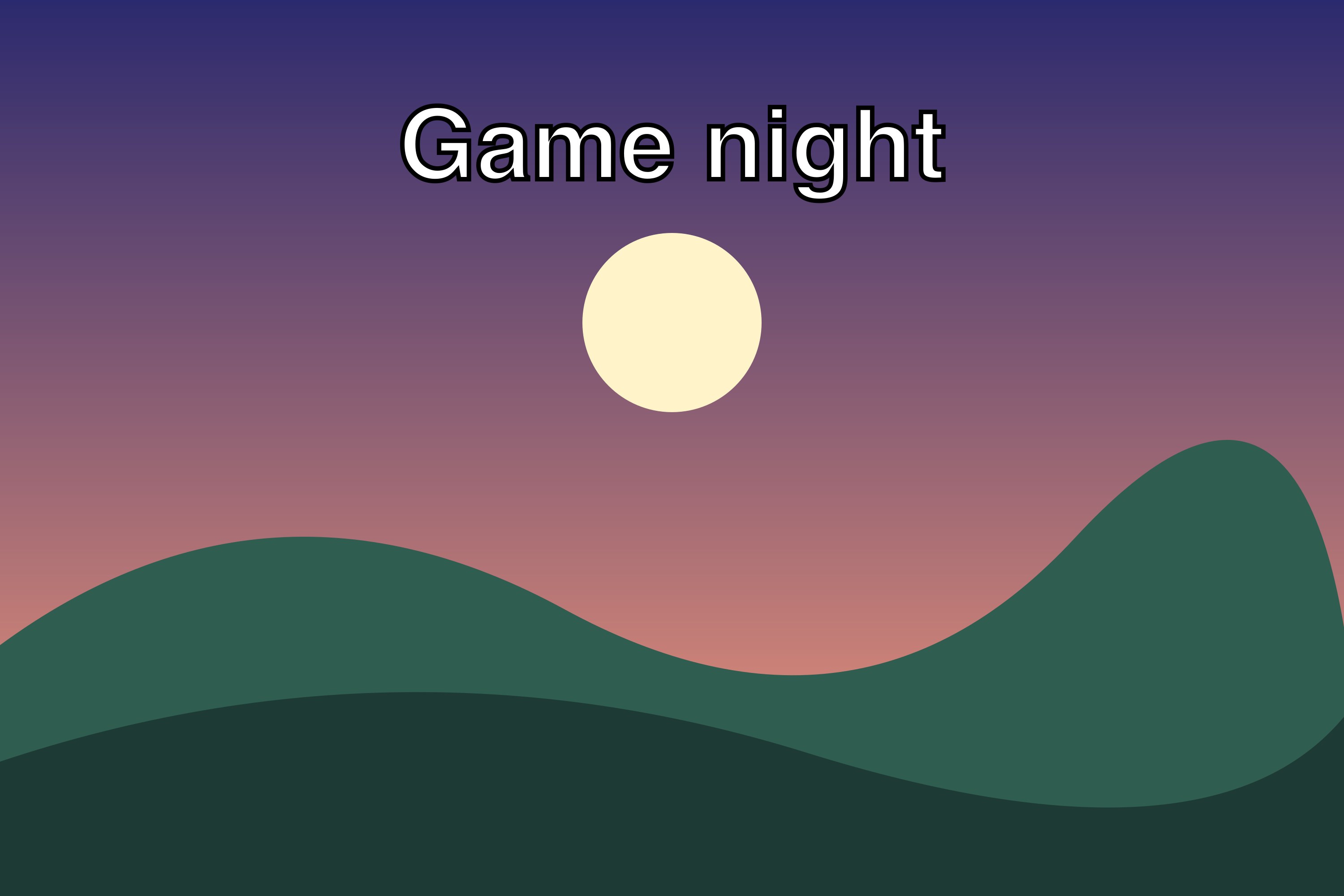
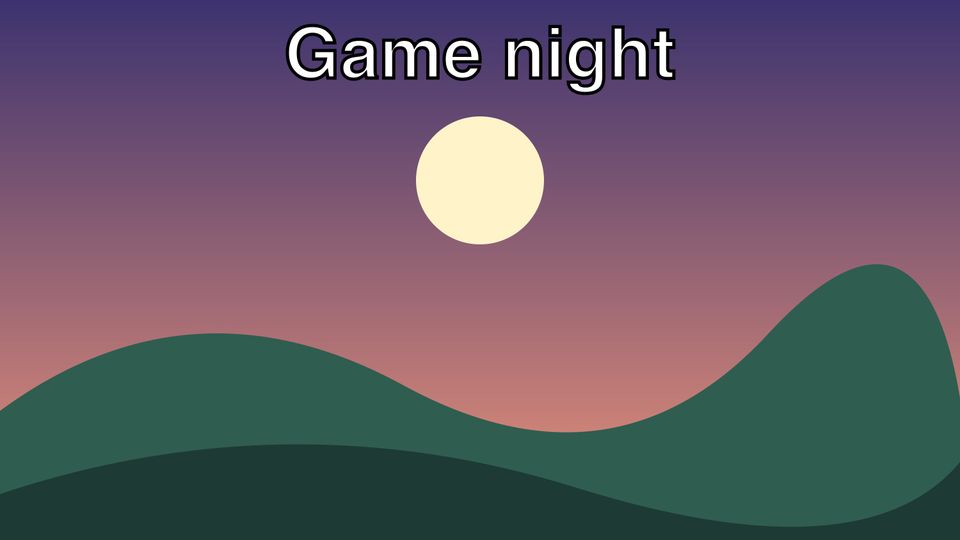
Resized JPEG, 960 x 540 px, 21 KB
How to use the Discord Banner Size and Image Resizer
Start with the "Size for" list. Each entry fills in the width, height, fit and format for one Discord item. Choosing an entry does not change your picture until you press "Resize image".
You can also type your own numbers. Choose "Custom size (use the boxes below)" and enter the width and height you want. Changing the boxes or the fit switches the list to the custom entry.
- Each run makes one size from one picture.
- The result panel shows the width, height and file size.
Discord banner size: the server banner
Discord's "Server Banners" help page says to upload an image or GIF of at least 960x540 pixels in a 16:9 aspect ratio. It also says a 1920x1080 image is resized automatically by Discord. Those are the Discord server banner size and shape. Our "Server banner 960 x 540" entry works as a Discord banner resizer: it uses "Fill the box (crop the extra)", so the picture is cropped from the centre to 16:9 with nothing stretched.
In our tests, a 3000 x 2000 px JPG gave a 960 x 540 px JPEG of 21 KB, and a 1920 x 1080 px JPEG of 53 KB. Your results will vary with the picture. Use a source at least as large as the banner, because the tool cannot reach the minimum from a smaller picture.
- Entries: Server banner 960 x 540 and Server banner 1920 x 1080.
- Animated banners keep the GIF format when the picture is animated.
Discord profile banner size
People often search for the Discord banner dimensions of a profile banner, which differ from the server banner. Discord's "Custom Profiles" help page says profile banners must be PNG, JPG or animated GIF files under 10MB, with a minimum of 680x240 pixels. The page also says only Nitro members can upload a profile banner. The "Per-Server Profiles" page gives a recommended minimum of 600x240 for a per-server banner, and this tool uses 680x240.
Use the "Profile banner 680 x 240" entry. In our test, a 3000 x 2000 px picture gave 680 x 240 px at 6.7 KB. A 700 x 200 px picture gave 567 x 200 px, which is below the minimum, because the tool does not enlarge. Use a larger source for this banner.
Discord emoji size and the emoji resizer
Discord's "How to Add Emojis on Discord" help page says emoji can be uploaded in sizes up to 128x128 pixels, and they are shown at 32x32 pixels. The file must be smaller than 256KB. Use the "Emoji 128 x 128" entry as a Discord emoji resizer. It saves PNG, or GIF when your picture is animated.
In our test, a 512 x 512 px transparent PNG gave a 128 x 128 px PNG of 16 KB, with transparency kept. An animated 24 frame GIF gave a 128 x 128 px GIF of 47 KB with all frames. Check the size in the result panel against the 256KB limit. If it is too large, use a smaller size or cut frames with the "GIF trimmer" tool.
Discord sticker size
Discord's "Tips for Sticker Creators FAQ" says a sticker should be exactly 320px x 320px. A static sticker is a PNG, and the maximum file size is 512KB. The "Sticker 320 x 320" entry saves a PNG at that size.
In our test, a 1024 x 1024 px transparent PNG gave a 320 x 320 px PNG of 42 KB. A picture smaller than 320 px is not enlarged, so it will not come out at exactly 320 x 320. Use a source at least 320 px on each side.
Discord server icon size
Discord's "How do I create a server?" help page says the minimum size for icons is 128x128. You can crop a large image in multiples of 128, such as 256 or 384. The "Server icon 128 x 128" entry crops the picture from the centre to a square and saves PNG.
In our test, a 1000 x 600 px picture gave a 128 x 128 px PNG of 8.5 KB. The square is cropped from the centre, so check the result panel before you upload.
Discord pfp size: what Discord does not say
Discord's help pages we read do not give a pixel size for avatars or a file-size limit for user avatars. Discord says user avatars are PNG or GIF, and that GIF needs Nitro. For a per-server avatar, Discord says JPG, PNG or GIF, up to 8 MB.
Because there is no official pixel size, this page has no avatar entry. For a square profile picture, type the same number in width and height and keep "Fill the box (crop the extra)". Check Discord's help pages before you upload, because the rules can change.
Pictures smaller than the size, and animated pictures
The tool only makes pictures smaller. If your picture is already smaller than the box, the result panel says it was not resized, and the picture keeps its size. A picture smaller than the box in "Exact box size (add empty space)" sits in the middle of the canvas at its own size.
Animated GIFs and animated WebP files keep every frame and the timing when they are saved as GIF or WebP. Saving as PNG or JPEG gives the first frame only. The tool cannot remove frames, so use the "GIF trimmer" tool first if your animation is too long. The tool cannot make an animated PNG.
- A 960 x 540 animated banner has many pixels per frame, so only a short animation fits the total limit.
Limits: file size and pixels
Free web uploads are up to 5 MB per image. Signed-in users can upload up to 10 MB per image. Each picture or frame can be up to 16 MP (4096 x 4096). Without an account you can convert 30 images per day per visitor.
Each image costs 1 credit as the base price. Resizing costs the same as converting, and the cost line is shown before you start. Failed and timed-out jobs are refunded. If the result is over 20 MB, the job fails with an "output too large" message.
For animations without an account, the limit is 100 frames and 16 MP in total. Signed in, the limit is 300 frames and 64 MP in total. To make a file smaller, use a lower size, or the "Compress GIF" or "Compress PNG" tool.
Discord banner resizer from code
The API endpoint is POST https://api.aiipworld.com/v1/image-jobs?op=image_resize. Send the raw image bytes as the body, not JSON or multipart. Set Content-Type to image/png, image/jpeg, image/webp, image/gif, image/avif, image/bmp or image/tiff. Authenticate with Authorization: Bearer <API key> or x-api-key.
Use width and/or height, fit (inside, cover or contain; cover and contain need both width and height), and format (same, png, jpeg, webp or gif). One request makes one size from one image, and there is no batch endpoint. The page shows a ready cURL, Node and Python example built from your settings. Errors include 400 invalid_params, 400 or 422 unsupported_image, 413 file_too_large, 402 insufficient_credits and 429 rate limited.
Privacy: what happens to your picture
Your picture is sent to our server, and the work is done there. The uploaded image is used only to make the result and is deleted as soon as the job ends, whether it succeeds or fails. The result is deleted after 10 minutes in the free web tool, and no history is kept. Download links are short-lived.
Camera and location tags are not copied into the result. Only upload images you have the right to use, as set out in our Acceptable Use Policy.
Questions
Can I resize an image for Discord for free?
Yes. The tool is free to use on this page, and anonymous use needs a human check (Cloudflare Turnstile).
What is the Discord banner size?
Discord's help page "Server Banners" recommends 960x540 pixels in a 16:9 aspect ratio for a server banner. The tool has entries for 960 x 540 and 1920 x 1080.
Is the server banner the same as the profile banner?
No. The Discord server banner size is 960 x 540 in 16:9, and the profile banner has a minimum of 680x240 pixels on Discord's "Custom Profiles" page.
What is the Discord emoji size?
Discord's "How to Add Emojis on Discord" page says emoji can be up to 128x128 pixels, and the file must be smaller than 256KB. Use the "Emoji 128 x 128" entry.
What size should a Discord sticker be?
Discord's "Tips for Sticker Creators FAQ" says a sticker should be exactly 320px x 320px. Use the "Sticker 320 x 320" entry.
Can I make an animated Discord sticker?
No, not with this tool. The tool cannot write APNG, and saving an animated picture as PNG gives the first frame only.
What is the Discord server icon size?
Discord's help page gives 128x128 as the minimum for server icons. The "Server icon 128 x 128" entry makes a square of that size.
What is the Discord pfp size?
Discord's help pages we read do not give a pixel size for avatars. For a square picture, type the same number in width and height and keep "Fill the box (crop the extra)".
Why is my result smaller than the size I chose?
The tool never enlarges a picture. If your source is smaller than the box, the result keeps the smaller size, and the result panel says it was not resized.
Can I resize images for Discord in my own code?
Yes. Send a POST request to the image_resize endpoint with the raw image bytes, one request per size. The page shows ready cURL, Node and Python examples.
Need this in your app or in bulk?
This tool runs on the same platform as the API, so the same image is one HTTP request from your code. A free account includes 100 credits a month.