
HTML to PNG converter
Paste HTML and CSS and get a PNG of how it renders, at the width, height and pixel density you choose (1x to 3x). This HTML to PNG converter is also an HTML to image tool: keep the PNG background transparent to place it over something else, or save a JPG with a quality from 1 to 100.
- A transparent PNG only stays transparent where your page does not paint a background itself.
- JPG has no transparency: the page background is white unless your HTML sets a colour.
602 B of 256 KB allowed in the free web tool.
Complete the human check to enable the button.
Result
Your image will appear here.
The free web tool captures at most 2000px of height. For taller captures, use the API.
Retention: web-tool results are deleted after 10 minutes. API results are kept 1 day on the free plan and 7 days on Starter and Pro (30 days on Business and Scale). A record of each job (type, time, status and credits, not what you submitted) is kept for 30 days without an account, or while your account exists if you are signed in.
No account needed
10 per minute and 50 per day for free.
Real browser rendering
Headless Chromium, the same engine as the API.
Deleted automatically
Web tool results are removed after 10 minutes.
Privacy: what you submit is used only to make this file. It is deleted when the job ends, also from the job record, and the result is deleted after 10 minutes. See the privacy policy.
Do this from your code
The same request, built from the input and options above. Create an account to get an API key.
curl -X POST https://api.aiipworld.com/v1/render \
  -H "Authorization: Bearer $AIIPWORLD_API_KEY" \
  -H "Content-Type: application/json" \
  -d '{"html":"","output":"pdf","options":{}}'

# returns {"job_id": "...", "status": "queued"}; then poll:
curl https://api.aiipworld.com/v1/jobs/JOB_ID -H "Authorization: Bearer $AIIPWORLD_API_KEY"
Batches
The web tool handles 1 document at a time. The API takes one request per document, so you can script as many as your plan allows.
More control
Whole-page capture (full_page), clipping to a region, request headers and a custom user agent are API options. See the docs.
Retention
Web-tool results are kept 10 minutes; free API results 1 day; Starter and Pro results 7 days; Business and Scale 30 days. The web tool allows 10 conversions per minute and 50 per day per visitor.
In one sentence
A free online tool that renders HTML and CSS you paste into a PNG or JPEG image at the width, height and pixel density you set.
Key facts
- Input: HTML and CSS, up to 256 KB.
- Output: PNG or JPEG, 1x, 2x or 3x pixel density; a transparent background works for PNG only.
- Free-tool height limit: 2000 px.
- Free without an account: up to 10 conversions per minute and 50 per day per visitor, no watermark. Signed in, each render costs 1 credit (100 free credits every month).
- Files are deleted automatically: 10 minutes after conversion without an account, 1 day with a free account.
- Developers can run the same render with POST https://api.aiipworld.com/v1/render and an API key (see the screenshot API page).
Sources
- Chrome DevTools Protocol: Page.captureScreenshot
- W3C: Portable Network Graphics (PNG) Specification
- JPEG committee: JPEG (ISO/IEC 10918)
Last reviewed:
How it works
- Paste your HTML and CSS into the editor.
- Set the width and height of the image area in pixels.
- Choose PNG or JPG. For PNG you can keep the background transparent; for JPG you can set the quality.
- Press Create image and download the file.
Example output
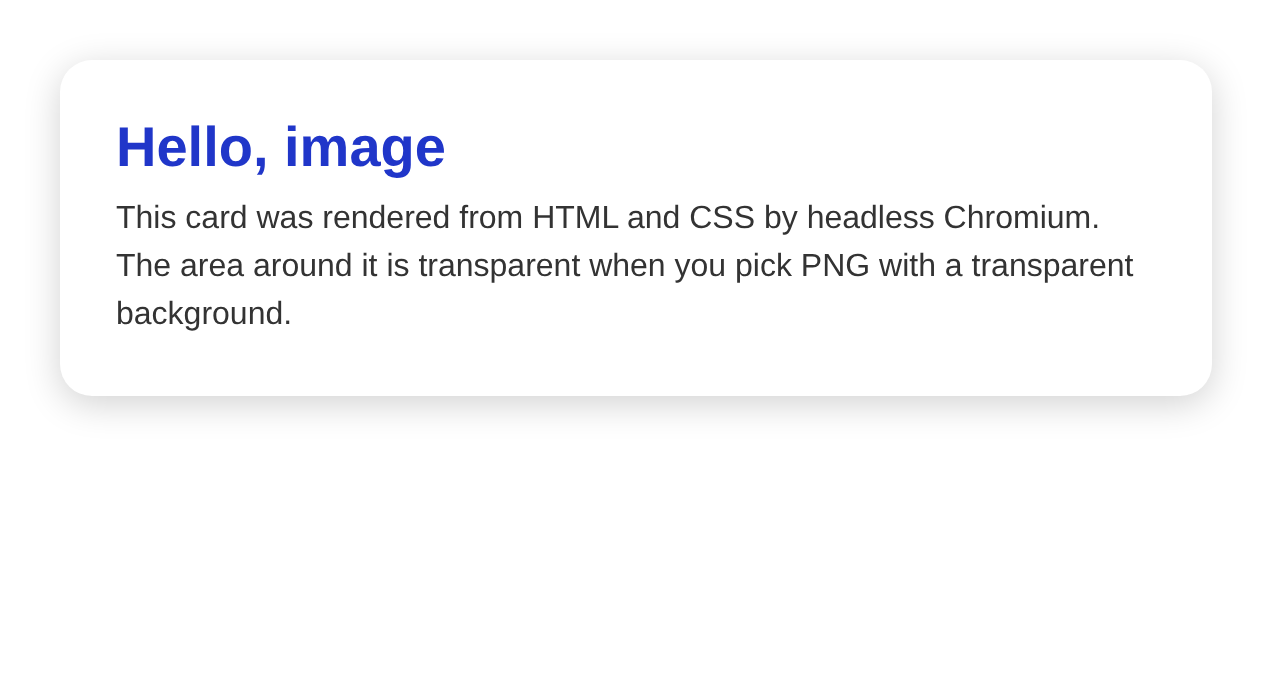
How HTML to PNG and HTML to image conversion works
Rendering runs on our servers, not in your browser. Each conversion uses headless Chromium in a fresh browser context inside a resource-limited worker container, with a hard time limit.
Image size and pixel density
The image size is the width and height you set, multiplied by the pixel density (1x, 2x or 3x). A 640 x 340 area at 2x gives a 1280 x 680 px image.
Transparent background
PNG keeps transparency wherever your page paints no background. If you set a background colour on html or body, that colour replaces the transparency. JPEG has no transparency.
PNG or JPEG
PNG suits text, sharp edges and transparent images. If you want a JPG instead, for example for a gradient banner or a small file, the HTML to JPG page covers quality, file size and backgrounds. WebP is not supported here, and the API returns an error if you ask for it; the PNG to WebP tool converts a PNG you already have.
Fonts, images and scripts in your HTML
Fonts on your own computer are not available on the render server. Load other fonts with @font-face from a public URL or a data URL.
Images and stylesheets can load only from public http or https addresses. JavaScript runs by default.
What people make with HTML to image
People use it for social cards, banners and code snippets shown as pictures.
Doing it from code
Send a POST request to /v1/render with your HTML and output set to png or jpeg. Authenticate with your API key as a Bearer token. The API replies with 202 and a job_id.
Poll GET /v1/jobs/:id until the status is succeeded, failed or timeout, then download the image from download_url. That link is short-lived. Credits for failed and timed-out jobs are returned.
Turning HTML code into an image
If you want a picture of a block of markup, this works as an html code to image tool. Paste the HTML and the CSS that styles it, set the width and height, and download the picture when it is ready.
The picture shows what the browser drew from your code, not the code itself. If a style is missing or a font is not on the render server, the picture will show that. Look at the result before you use it in a post or a document.
Using the same HTML for banners and snippets
Many people want html as image for a banner, a card or a code snippet in an article. Set the size to the box you need on the page, then choose PNG if the picture has text or sharp edges.
When you want a JPG for a photo-like banner, the same form works: choose JPG (JPEG) in the format list. The HTML to JPG page explains quality, file size and backgrounds in detail.
HTML to PNG online
For html to png online, paste your HTML and CSS, set the width and height, choose PNG and press Create image. This html to png converter draws the page in headless Chromium, so you can convert HTML to PNG without installing a browser extension or a command-line tool.
A PNG made this way keeps transparency wherever your page paints no background, which makes it useful for badges, stickers and cards that sit on top of other designs.
A whole HTML page or one element as an image
An html page to image conversion works best when you paste a complete document, including its style block. The tool draws the HTML you paste, not a live site. To capture a page from its address, use the website screenshot tool.
To turn a single html element to image, put only that element and its CSS in the editor and set the width and height to match it. The API also has a clip option that takes a rectangle (x, y, width, height).
Questions
How big will the image be?
Width times height in pixels, multiplied by the pixel density. At 2x, a 640 x 340 area gives a 1280 x 680 px image. The free tool allows heights up to 2000 px and widths from 100 to 4000 px.
How do I get a transparent background?
Choose PNG and keep the transparent background option on. Your page must not paint its own background on html or body. JPEG has no transparency.
Can the HTML load external images and fonts?
Public http and https addresses can be loaded while rendering. Private and local addresses are blocked on purpose. Data URLs work without any network request.
Does JavaScript run?
Yes. The image is captured after the page has loaded. The API has wait options for pages that finish later.
Can I capture only part of the page?
The API has a clip option that takes a rectangle (x, y, width, height). The free tool captures the whole window area you set.
Is WebP supported?
Not yet. Output is PNG or JPEG.
How long is the image kept?
Web-tool results are deleted after 10 minutes. Download it before then.
How do I convert HTML to PNG?
Paste your HTML and CSS into the editor, set the width and height, and choose PNG. Press Create image, then download the file. Web-tool results are deleted after 10 minutes.
Can I convert an HTML file?
The tool takes pasted HTML and CSS, not a file upload. Open your file in a text editor, copy the contents, and paste them in.
Why is my image blurry?
The image is captured at the pixel density you choose. At 1x, each CSS pixel becomes one image pixel, which can look soft on high-density screens. Choose 2x or 3x for a sharper image.
Can I turn a live web page into an image with this tool?
No. This tool takes HTML and CSS that you paste in. To capture a web page by its address, use the website screenshot tool. Only public http or https addresses can load while the picture is made, so private or local addresses will not show up in it.
Can I turn one HTML element into an image?
Yes. Paste just that element and the CSS that styles it, and set the width and height of the image area to fit it. With the API you can instead render the whole page and use the clip option to cut out a rectangle.
Do Chinese, Japanese, Korean text and emoji appear in the image?
Yes, in our test. On 2026-10-11 we rendered a PNG of a page with Simplified and Traditional Chinese, Japanese, Korean and emoji, and every character showed as text or a colour emoji, not an empty box. The server draws them with Noto Sans CJK and Noto Color Emoji. For a typeface of your own, load it with @font-face from a public URL or a data URL.
Need this in your app or in bulk?
This tool runs on the render API, so the same image is one HTTP request from your code. A free account includes 100 credits a month.
Related tools
- Website screenshot toolURLPNG
- OG imageFormPNG
- HTML to PDF converterHTMLPDF
- Code to imageCodePNG
- Text to PNG GeneratorTextPNG
- SVG to PNGSVGPNG
- Screenshot APIAPI
- Full page screenshotURLPNG
- HTML email preview: online email previewerHTMLPNG
- Website mockup generatorURLPNG
- App Store Screenshot GeneratorImagePNG
- PNG to WebP ConverterImageWebP
- WebP to PNG: Convert Your Image OnlineImagePNG
- HTML to JPG converterHTMLJPG
- Gradient Background GeneratorFormPNG
- Placeholder Image GeneratorFormPNG