
MOBI to PDF
MOBI to PDF turns a MOBI file, the older Kindle e-book format, into a PDF that you can print or read on any device. It also reads AZW, AZW3, EPUB and FB2 files. Choose the page size and font, convert, and download. Books with DRM, a lock that some stores add to their books, are refused: we never remove DRM.
- Books with DRM are refused, and we never remove DRM. See the section on DRM below.
- A book can have up to 1 MB of text (768 KB without an account). Longer books are refused instead of cut.
- Without an account the conversion needs a human check (Cloudflare Turnstile). Signed-in users skip it and use credits.
Drop a book here or choose it. One book per conversion, up to 20 MB. Books with DRM are refused.
More: Chinese, Japanese or Korean book
Leave it on Automatic unless the wrong glyph shapes appear in the PDF. Chinese, Japanese and Korean fonts are built in.
Complete the human check to enable the button.
Result
Your PDF will appear here.
Without an account: 5 e-books a day, up to 20 MB each and 600 PDF pages. Signed in: up to 50 MB and 1,200 pages (2,000 on a paid plan). A conversion stops after 120 seconds.
Retention: web-tool results are deleted after 10 minutes. API results are kept 1 day on the free plan and 7 days on Starter and Pro (30 days on Business and Scale). A record of each job (type, time, status and credits, not what you submitted) is kept for 30 days without an account, or while your account exists if you are signed in.
No account needed
5 e-books a day without an account, up to 20 MB each. No watermark.
No DRM removal
Books with DRM are refused. We never remove DRM.
Deleted automatically
Web tool results are removed after 10 minutes.
Privacy: what you submit is used only to make this file. It is deleted when the job ends, also from the job record, and the result is deleted after 10 minutes. See the privacy policy.
Do this from your code
The same conversion from your own code: upload the book, start an ebook_to_pdf job with these settings, poll the job and download the PDF. The examples use your settings.
curl -X POST "https://api.aiipworld.com/v1/uploads" \
  -H "Authorization: Bearer $AIIPWORLD_API_KEY" \
  -H "Content-Type: application/octet-stream" \
  --data-binary @book.epub   # returns {"upload_id": "UPLOAD_ID_1", ...}

curl -X POST "https://api.aiipworld.com/v1/pdf-jobs" \
  -H "Authorization: Bearer $AIIPWORLD_API_KEY" \
  -H "Content-Type: application/json" \
  -d '{"op":"ebook_to_pdf","params":{},"files":["UPLOAD_ID_1"]}'
# returns {"job_id": "...", "status": "queued"}; then poll:
curl https://api.aiipworld.com/v1/jobs/JOB_ID -H "Authorization: Bearer $AIIPWORLD_API_KEY"
Retention
Web-tool results are kept 10 minutes; free API results 1 day; Starter and Pro results 7 days; Business and Scale 30 days.
In one sentence
A free online tool that converts a MOBI Kindle e-book file (also AZW, AZW3, EPUB and FB2) to a PDF with the page size, font and margins you choose; books with DRM are refused.
Key facts
- Input: one e-book file (.mobi, .azw, .azw3, EPUB or FB2), recognized from its content, up to 20 MB without an account and 50 MB signed in; the text of the book up to 768 KB (1 MB signed in).
- DRM: a MOBI or AZW file whose header says it is encrypted is refused (drm_protected) before any conversion. We never remove DRM, and the tool cannot read a book that exists only inside the Kindle app.
- Settings: page size Letter, A4, A5, A6, B5, Legal, 6 x 9 in, 5 x 8 in or 5.5 x 8.5 in; margin 5 to 40 mm; font size 8 to 24 pt; serif, sans-serif or monospace; page numbers, cover page and a contents page at the end.
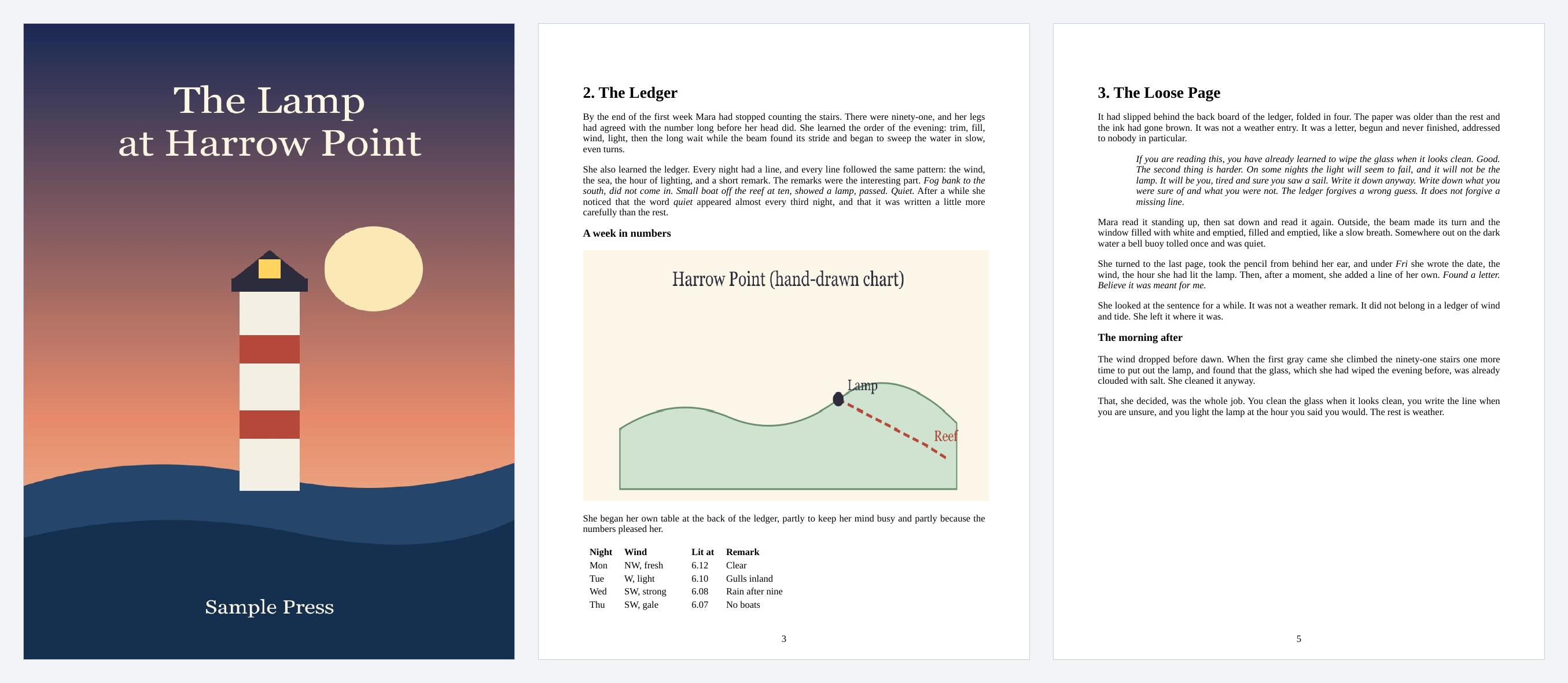
- In our test an invented short story saved as a MOBI (88 KB) gave a PDF of 8 pages and 136 KB on Letter, in 3.5 seconds on a development machine; an invented novel of about 142 pages took about 6 to 9 seconds as a MOBI and 19 to 24 seconds as an EPUB; results vary with the book.
- API: upload the book to https://api.aiipworld.com/v1/uploads with Content-Type application/octet-stream, then POST op ebook_to_pdf with params and the upload ID to https://api.aiipworld.com/v1/pdf-jobs, and poll GET /v1/jobs/:id.
- Free without an account: 5 books per day per visitor, no watermark. Signed in, a book costs 2 credits for a PDF of up to 200 pages, plus 1 credit for each further started 200 pages (100 free credits every month).
- Files are deleted automatically: 10 minutes after conversion without an account, 1 day with a free account.
- Developers can run the same render with POST https://api.aiipworld.com/v1/render and an API key (see the API docs page).
Sources
Last reviewed:
How it works
- Choose your MOBI file (.mobi, .azw or .azw3), or drop it on the box.
- Pick the page size, the font and the font size. The defaults are Letter, serif, 12 pt and an 18 mm margin.
- Choose whether you want a cover page, page numbers and a contents page at the end.
- Click "Convert to PDF". A MOBI file usually takes only a few seconds, and a long book a little longer.
- Download the PDF and open it to check the result.
Example output
Input: harrow-point.mobi, 88 KB
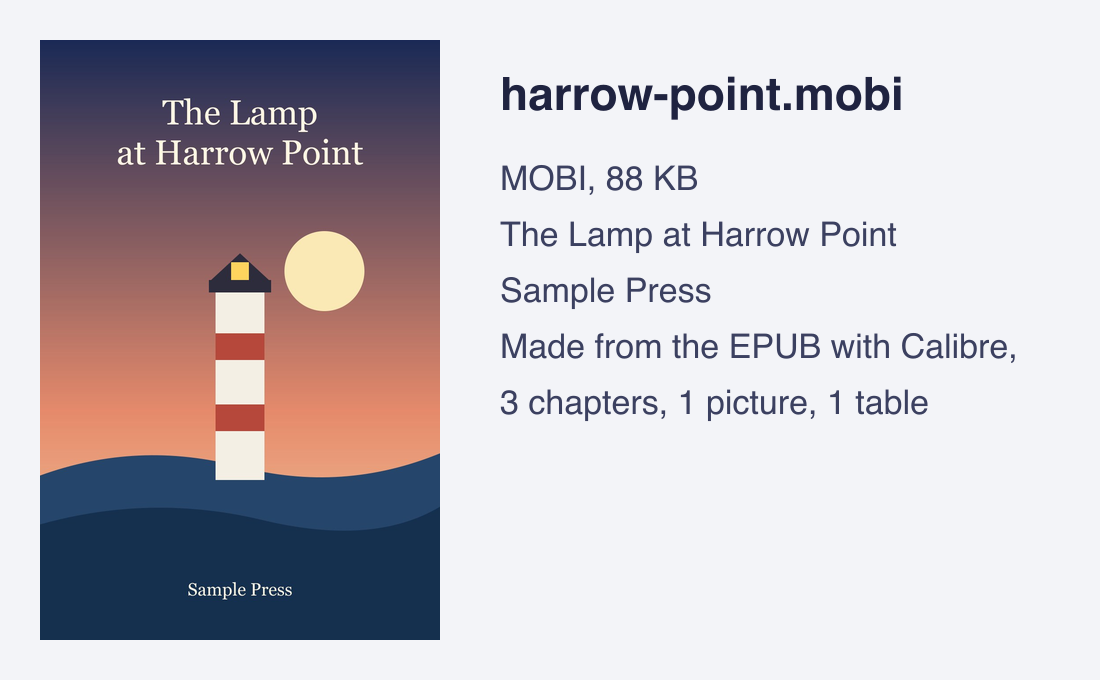
Output: a PDF of 8 pages, 136 KB (pages 1, 4 and 6)
How to convert MOBI to PDF
Choose your MOBI file, set the page size and font, and click the button. The page uploads the book, converts it and gives you the finished PDF to download, with the number of pages and the size of the file. The download link is short-lived, so save the PDF when it is ready.
The text of the book stays real text in the PDF, so you can select, search and copy it, and the headings, bold and italic text, lists, tables and pictures are kept. The fonts are embedded in the file. You can set the page size from Letter and A4 to A5, A6, B5, Legal, 6 x 9 in, 5 x 8 in and 5.5 x 8.5 in, the margin from 5 to 40 mm and the font size from 8 to 24 pt.
MOBI, AZW and AZW3 files
MOBI is the older Kindle format. Files with the extensions .mobi, .azw and .azw3 share the same outer container, and this tool recognizes all of them from the content of the file, not from the name. A newer Kindle file of the AZW3 kind has its own page, AZW3 to PDF, with the same tool. A file with the wrong extension still works if it really is an e-book, and a file with the right extension is refused if it is not.
This tool works on a file you already have on your computer. It does not connect to a Kindle account or to the Kindle app, and it cannot read a book that exists only inside the app.
Kindle to PDF: Kindle books and DRM
Some Kindle files come with DRM, a lock that ties the book to a store account. This tool does not remove DRM and never will. It reads the header of the file, and if the book is encrypted it stops before any conversion and says so. A refused book does not use up credits.
Books without DRM convert normally. These include books you made or exported yourself, books from stores and publishers that sell without DRM, and books in the public domain. If a store sells the same book as a DRM-free download, use that file.
How long it takes
Calibre lays out an EPUB one chapter file at a time and waits a moment for each, so a book with many chapter files takes longer. MOBI and FB2 books gave quicker times in our tests. On a development machine, an invented novel of about 142 pages took about 19 to 24 seconds as an EPUB and about 6 to 9 seconds as a MOBI. A short story took 3.5 seconds as a MOBI. These times were measured on a laptop, not on the live servers, so they can differ here.
Limits: size, length and time
A book can be up to 20 MB without an account and 50 MB when you are signed in. The text of the book can be up to 768 KB without an account and 1 MB signed in. In our test, 1 MB of text made a PDF of 283 pages on Letter. The PDF can have up to 600 pages without an account, 1,200 on the free plan and 2,000 on a paid plan. A conversion is stopped after 120 seconds.
A book over a limit is refused with a message that says which limit, and nothing is cut off. Each visitor without an account can convert 5 books a day. Signed-in jobs cost 2 credits for a PDF of up to 200 pages, plus 1 credit for each further started 200 pages. You get 100 free credits every month. Failed and timed-out jobs are refunded in full.
Convert MOBI to PDF from code
You can run the same conversion with the API in three steps. First send the book as raw bytes to https://api.aiipworld.com/v1/uploads with Content-Type application/octet-stream. The answer includes an upload_id. Then send a POST to https://api.aiipworld.com/v1/pdf-jobs with JSON that sets op to ebook_to_pdf, your params, and files as a list with that one upload ID.
Poll GET /v1/jobs/:id until the job succeeds or fails. The download_url is a short-lived signed link. Authorize with Bearer <API key> or x-api-key. The page shows a ready cURL, Node and Python example built from your settings. For the general API, see /docs/. A book with DRM fails with drm_protected when the job runs (the converter checks a MOBI or AZW file before it converts anything), and the credits are refunded.
Privacy: what happens to your book
Your book is sent to our server, and the conversion happens there. The uploaded book is used only to make the PDF, and the working copy is deleted as soon as the job ends, whether it succeeds or fails. Without an account, the PDF is deleted after 10 minutes; signed-in results are kept for the time shown in the result panel. You must have the right to convert the book you upload, as set out in our Acceptable Use Policy.
Questions
How do I convert MOBI to PDF?
Choose your .mobi file on this page, pick a page size and font, and click Convert to PDF. When the job is done, download the PDF. The tool works without an account for a book up to 20 MB.
Is MOBI to PDF free?
Yes. You can convert 5 books a day without an account, with no watermark. Signed-in users get 100 free credits every month, and a book costs 2 credits for up to 200 output pages.
Can I convert a Kindle book to PDF?
Yes, if you have the file and it has no DRM. For a Kindle to PDF conversion on this page you need the book as a file on your computer. The tool reads .mobi, .azw and .azw3 files. A book with DRM is refused, because we never remove DRM, and it cannot read a book that is only inside the Kindle app.
Does this tool remove DRM from a MOBI file?
No. We never remove DRM. A protected book is refused before any conversion and the page says why.
Which files work for a MOBI format to PDF conversion?
Files in the MOBI format that end in .mobi, .azw or .azw3. The tool finds the format from the content of the file. If you have a MOBI format file with another extension, it is still read when it really is an e-book. A MOBI format file with DRM is refused.
What is the difference between MOBI and AZW3?
Both are Kindle formats, and the files share the same outer container. MOBI is the older one. This tool reads both from the content of the file, and the settings are the same. There is a separate page for AZW3 to PDF.
Why was my MOBI file refused?
The usual reasons are DRM, a file that is damaged or cut short, a file that is not really an e-book, or a book over a limit (text over 1 MB, a PDF over 1,200 pages on the free plan). The message names the reason.
Is the text in the PDF selectable?
Yes. The text stays as text, so you can select, search and copy it, and the fonts are embedded in the file.
Can I choose the page size?
Yes: Letter, A4, A5, A6, B5, Legal, 6 x 9 in, 5 x 8 in or 5.5 x 8.5 in, with a margin of 5 to 40 mm and a font size of 8 to 24 pt.
Can I convert MOBI to PDF from my own code?
Yes. Upload the book, start an ebook_to_pdf job with its upload ID, poll the job and download the PDF. The page shows ready cURL, Node and Python examples.
Need this in your app or in bulk?
This tool runs on the same platform as the API, so the same merge, split or rotate is two HTTP requests from your code: upload each PDF, then start the job. A free account includes 100 credits a month.